
Microsoft Outlook Down: Thousands Hit by Email Outage as Users Unable to Send, Receive or Open Messages
Microsoft Outlook outage disrupts email access as an Exchange Online authentication issue causes sending, receiving and login problems for users.

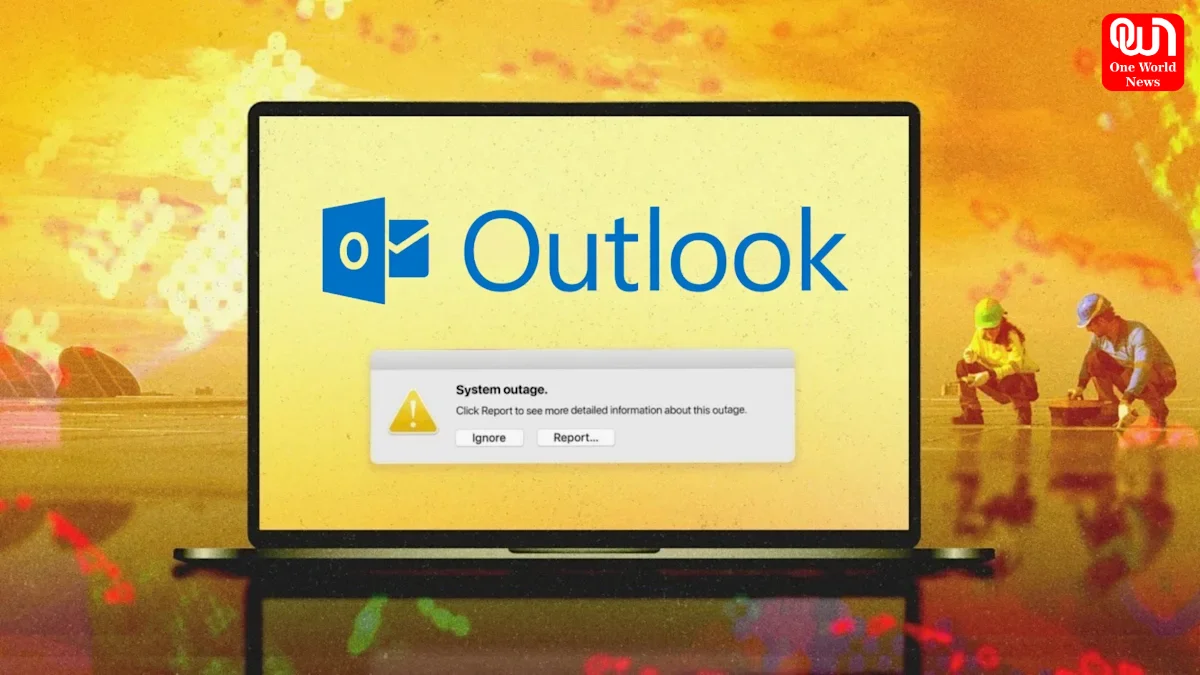
Microsoft Outlook Outage: Exchange Online Authentication Issue Leaves Thousands Unable to Send, Receive or Open Emails
Microsoft Outlook users experienced widespread disruption on August 31, 2026, with thousands reporting problems accessing their email accounts. Users faced difficulties sending and receiving messages, opening Outlook, logging in and searching their mailboxes.
The disruption was linked to Exchange Online, Microsoft’s cloud-based email platform that supports Outlook and other Microsoft 365 services. Microsoft acknowledged that an authentication component was contributing to the problem and said engineers were working on a remediation strategy.
The incident quickly attracted attention as users turned to outage-monitoring platforms to determine whether Outlook was down globally or whether their individual accounts were experiencing technical problems.
What Caused the Microsoft Outlook Outage?
According to Microsoft’s updates, the problem involved an authentication component within the Exchange Online infrastructure. Authentication is essential for establishing secure connections between users, Outlook applications and Microsoft’s cloud services.
When that component experiences problems, users can encounter a range of issues even when the Outlook application itself is functioning normally. These can include unsuccessful logins, mailbox connection failures, delayed messages and problems accessing account features.
Microsoft initially tracked the incident as EX1464935 and said it was testing a remediation strategy on part of its infrastructure before expanding the fix. Later updates indicated that the authentication-related issue could affect services beyond Exchange Online.
Read more: Samsung Mobiles Under Rs. 20,000 vs Rs. 15,000: What Rs. 5,000 More Actually Buys You
Downdetector Reports Outlook Problems
The scale of the incident became particularly visible through Downdetector reports Outlook users submitted throughout the day. Reports climbed into the thousands as customers described difficulties with email delivery, the Outlook application, website access and account logins.
Different users experienced different symptoms. Some could open Outlook but could not receive new messages, while others encountered problems accessing the service altogether. Reports also included issues with searching emails and sending messages.
Crowdsourced outage reports are useful for identifying sudden spikes in problems, although they do not provide the same level of technical confirmation as Microsoft’s official service-status information.
Outlook Problems August 31 2026: What Users Experienced
The Outlook problems August 31 2026 included several common symptoms:
- Emails failing or being delayed when sent
- Incoming messages not appearing promptly
- Difficulty opening Outlook
- Authentication and login errors
- Problems searching mailbox content
- Intermittent mailbox connectivity
- Issues accessing Exchange Online features
Microsoft’s own incident updates described degraded functionality affecting Exchange Online, including email sending and receiving, mailbox searches and authentication.
For businesses that depend on Microsoft 365 for daily communication, even temporary email problems can have a significant impact. Employees may be unable to respond to customers, access important attachments or retrieve time-sensitive messages.
Microsoft 365 Service Status and Recovery
Users trying to determine whether the problem is ongoing can check the Microsoft 365 service status through Microsoft’s official service-health resources. Microsoft explains that active incidents can include situations where users are unable to send or receive email or sign in to services.
Microsoft’s public service-status page currently indicates that its listed services are operational, although detailed Microsoft 365 information is available through the Microsoft 365 admin center.
For organizations experiencing simultaneous Outlook problems across multiple users, Microsoft recommends checking service health before spending time troubleshooting individual devices or profiles.
What Should Outlook Users Do?
If Outlook continues to show problems during an outage, users should first determine whether Microsoft has acknowledged a service incident. Repeatedly changing passwords, reinstalling Outlook or modifying account settings may not resolve a Microsoft-side infrastructure problem.
Read more: World Television Day 2026: Date, History, Significance And Importance
Users can check Microsoft’s service-status information and monitor outage reports for changes. If the service has been restored but an individual account remains affected, restarting Outlook, checking connectivity and following Microsoft’s troubleshooting guidance may help identify a separate local issue.
Microsoft’s support documentation notes that outdated software and corrupted Outlook profiles can also cause sending and receiving problems, so these should be considered when there is no broader service incident.
Outlook Outage Highlights Dependence on Cloud Email
The latest Microsoft Outlook outage demonstrates how closely Outlook depends on Exchange Online and Microsoft’s wider cloud infrastructure. A problem with authentication can quickly affect thousands of users even when their computers, internet connections and Outlook installations are working normally.
For businesses, the incident is also a reminder of the importance of alternative communication channels and clear outage procedures. Keeping teams informed about known Microsoft 365 incidents can prevent unnecessary troubleshooting and help employees understand when the issue is outside their control.
As Microsoft continues monitoring its infrastructure after the disruption, users should rely primarily on Microsoft’s service-health updates for confirmation of restoration and any remaining limitations.
We’re now on WhatsApp. Click to join.
Like this post?
Register at One World News to never miss out on videos, celeb interviews, and best reads.